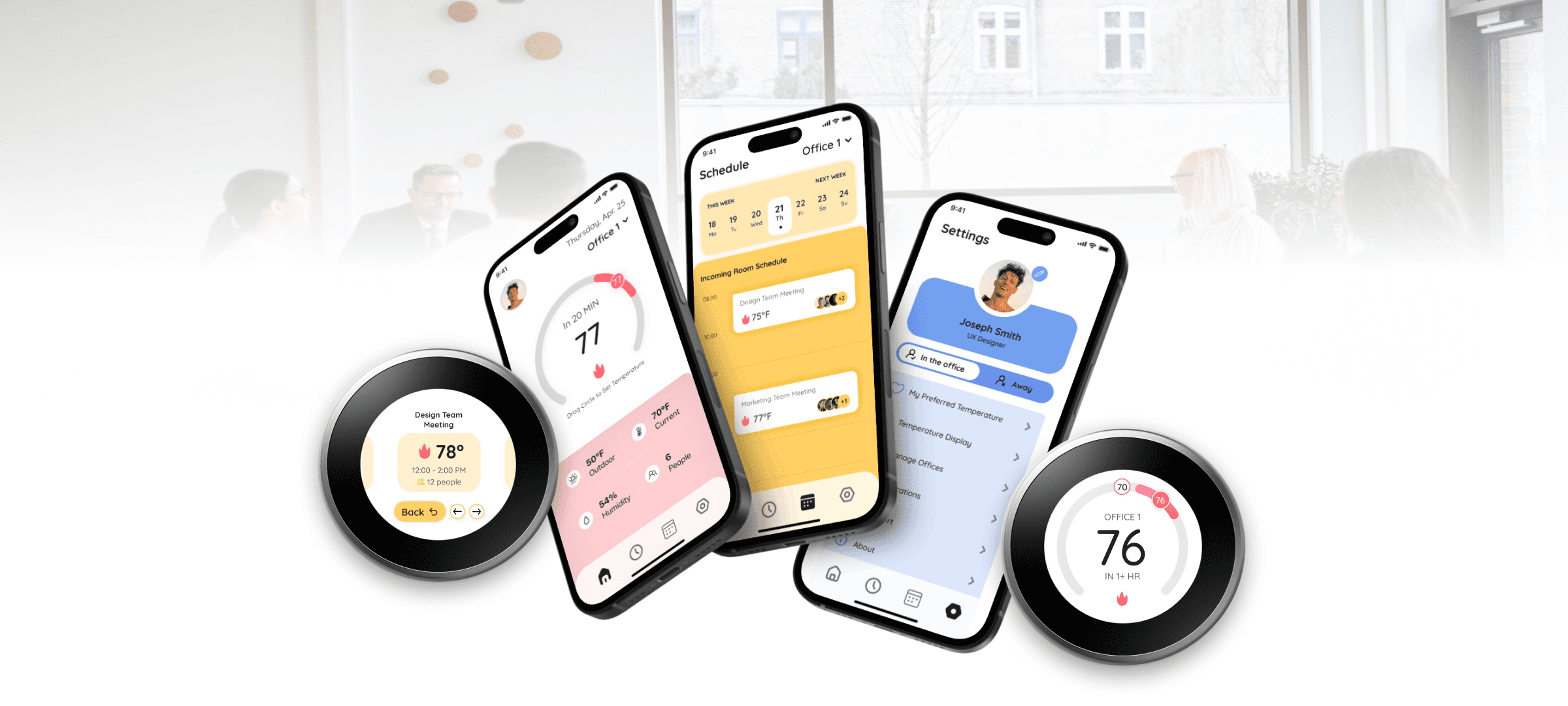
A shared thermostat system that balances individual comfort with collective needs, designed for offices, not just the person closest to the dial.
Role
Design Lead
Duration
10 weeks
Year
2025
Overview
Friendly & Cheerful Nest is a collaborative thermostat system designed for shared environments. Instead of one person controlling the temperature, users contribute how they feel, and the system balances those inputs into a single outcome.
The result is a more comfortable, transparent, and human-centered way to manage shared spaces.
My role
Lead Designer
I led the design of the system from concept to interface, focusing on how multiple users contribute, how the system balances input, and how decisions are communicated clearly.
Problem Space
Offices are shared spaces, but their thermostats aren’t. One person sets the temperature. Everyone else lives with it. There’s no mechanism for input, no visibility into why the setting is what it is, and no way for the system to know it’s serving twelve people instead of one. The outcome is predictable: discomfort, distraction, and the same low-stakes conflict on repeat.
Core tension: individual comfort vs. shared control. Systems treat temperature as fixed. People experience comfort as something that constantly shifts.
Areas of Opportunity
Designing for Shared Use
Reframing temperature control as a shared range instead of a single fixed setting, allowing different comfort needs to exist within the same space without conflict.
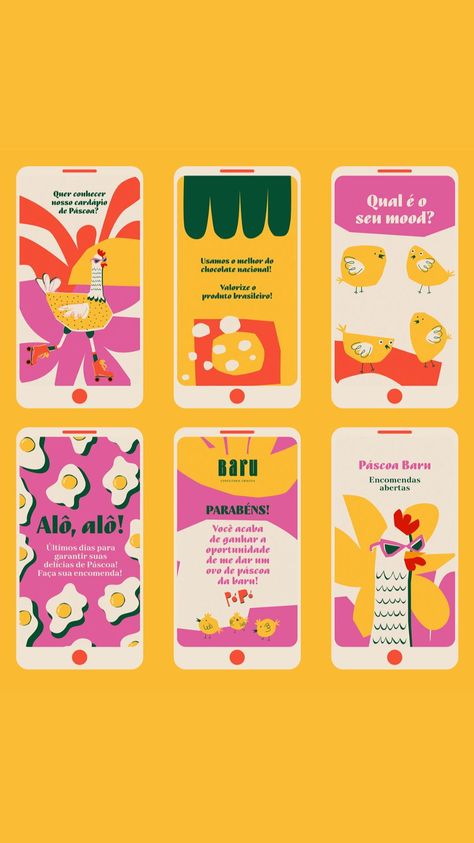
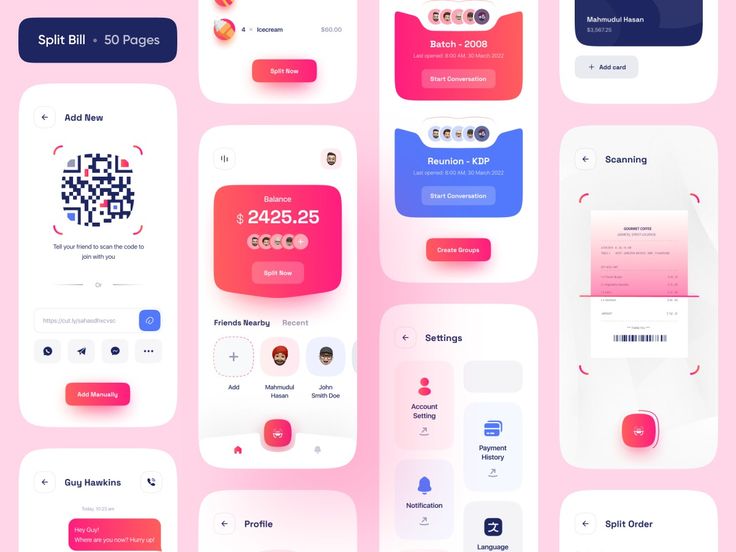
Visual Research
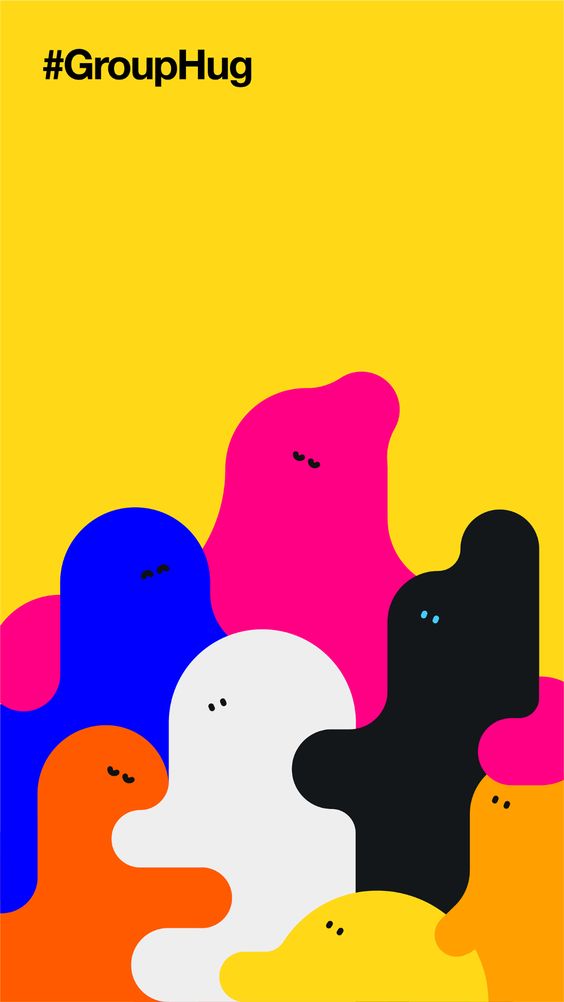
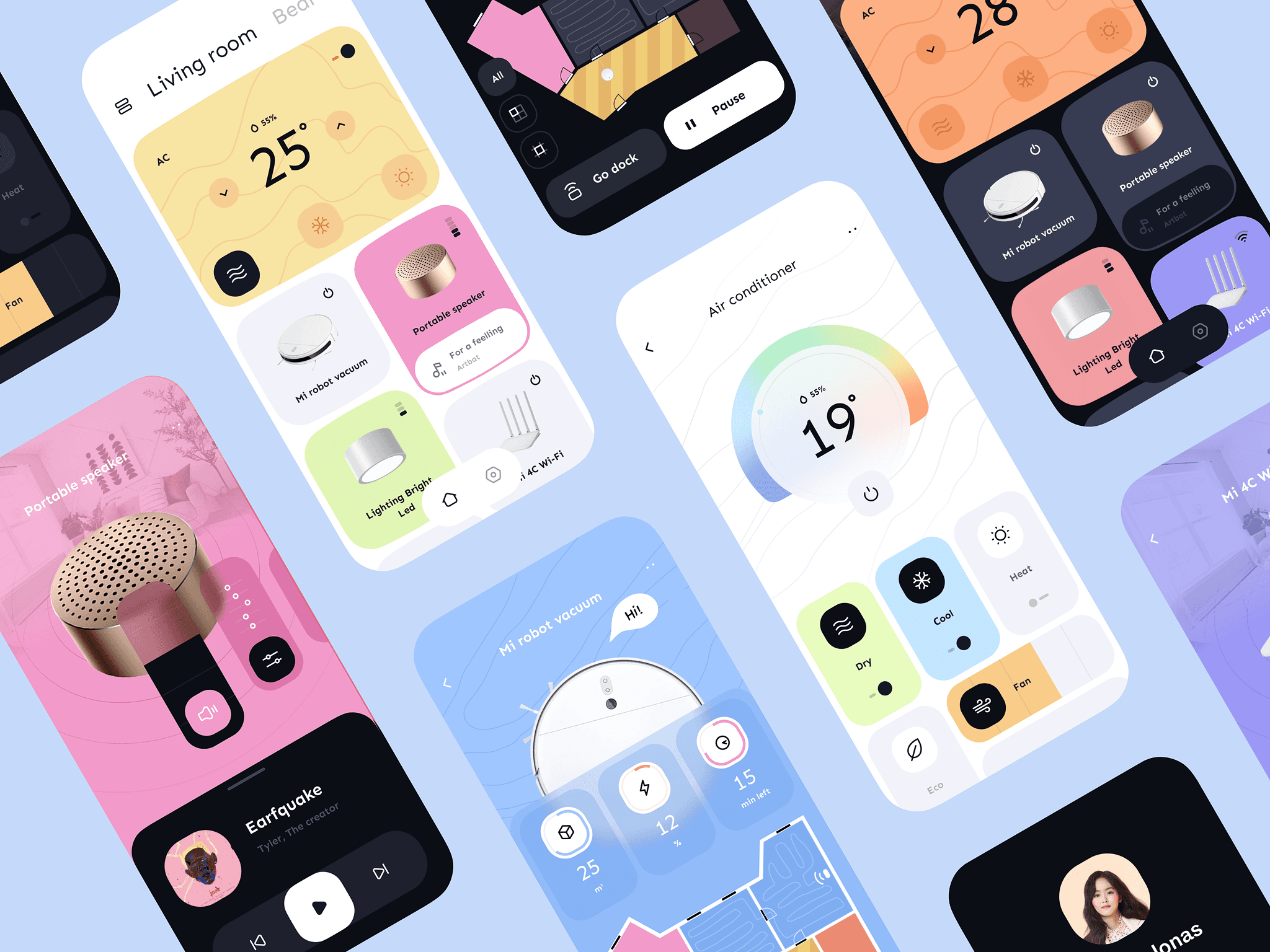
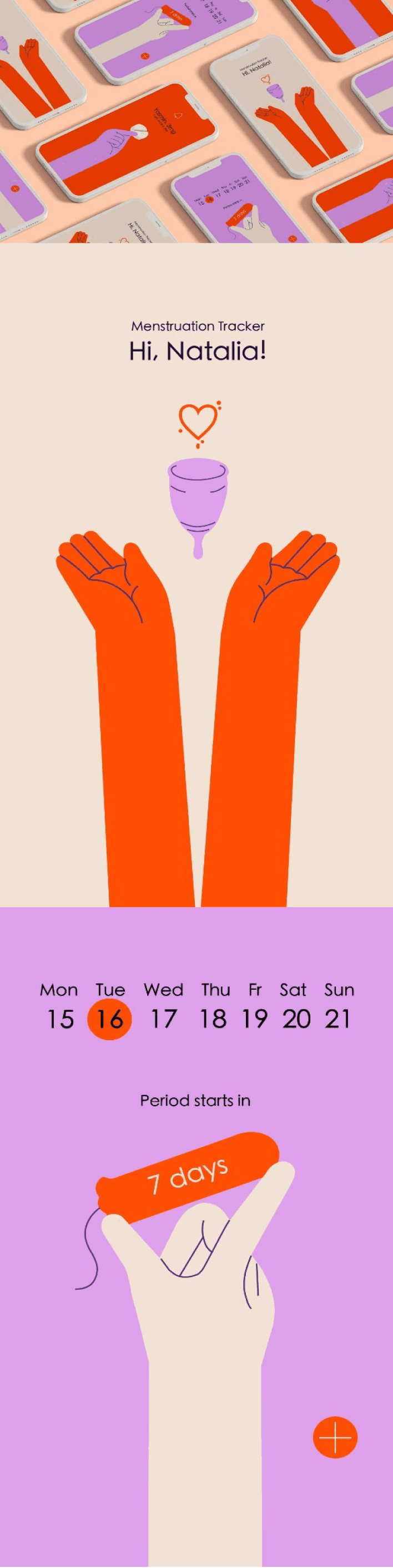
To understand how to design something that feels friendly and cheerful, we looked beyond function and explored what makes interactions feel light, approachable, and human.
Early Sketches
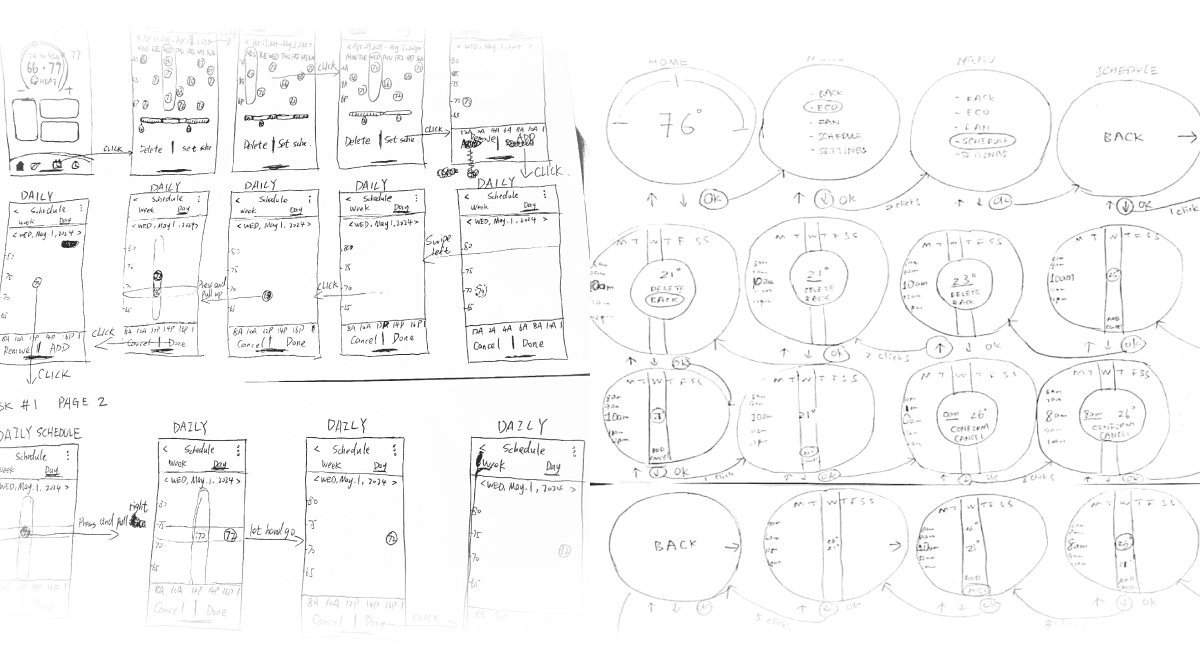
Early sketches explored how users could express comfort simply, helping define the core interaction before moving into detailed design.
Low-Fidelity Prototypes
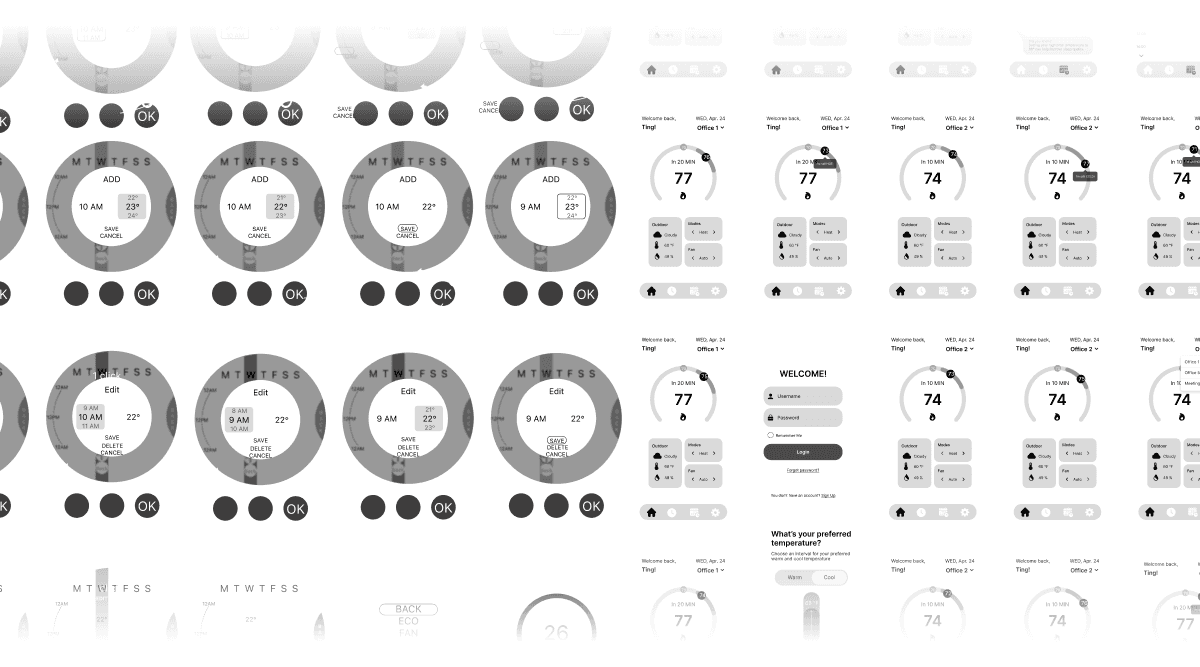
Low-fidelity prototypes tested how the system could balance inputs and communicate outcomes clearly before refining the interface.
Design System Development
A consistent set of UI components, buttons, and icons to create a more unified and easy-to-use experience.
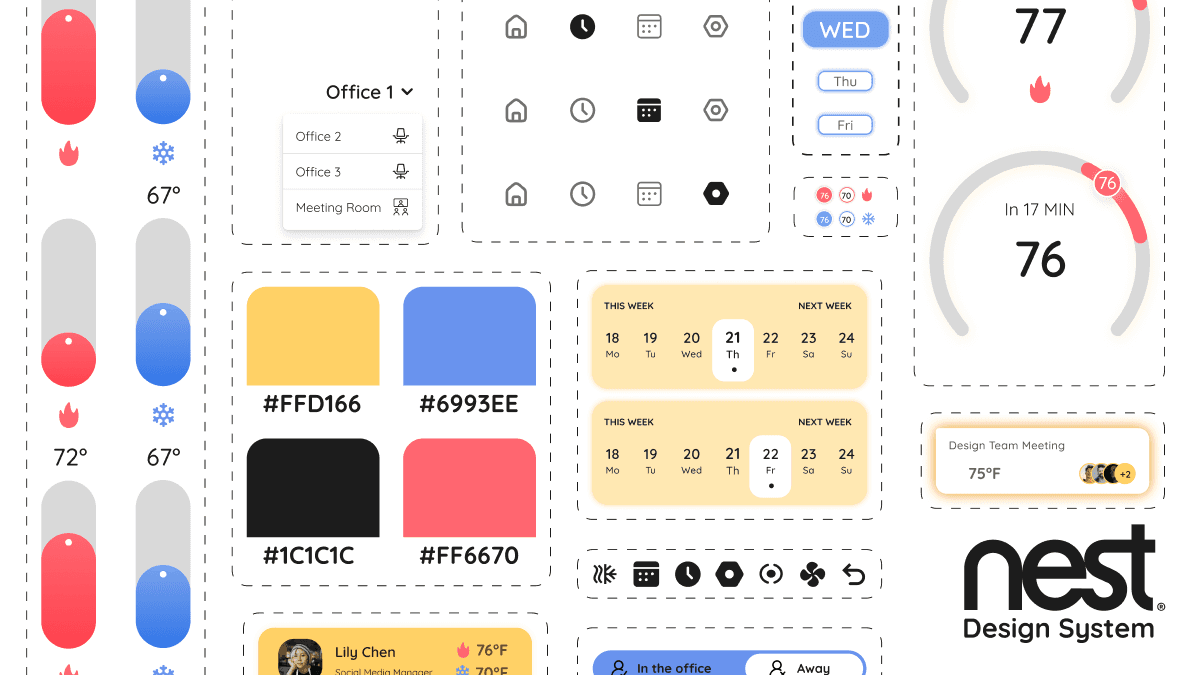
Design System Development
A consistent set of UI components, buttons, and icons to create a more unified and easy-to-use experience.
Final Designs
Through this process, the identified opportunities directly shaped the final designs and core features.
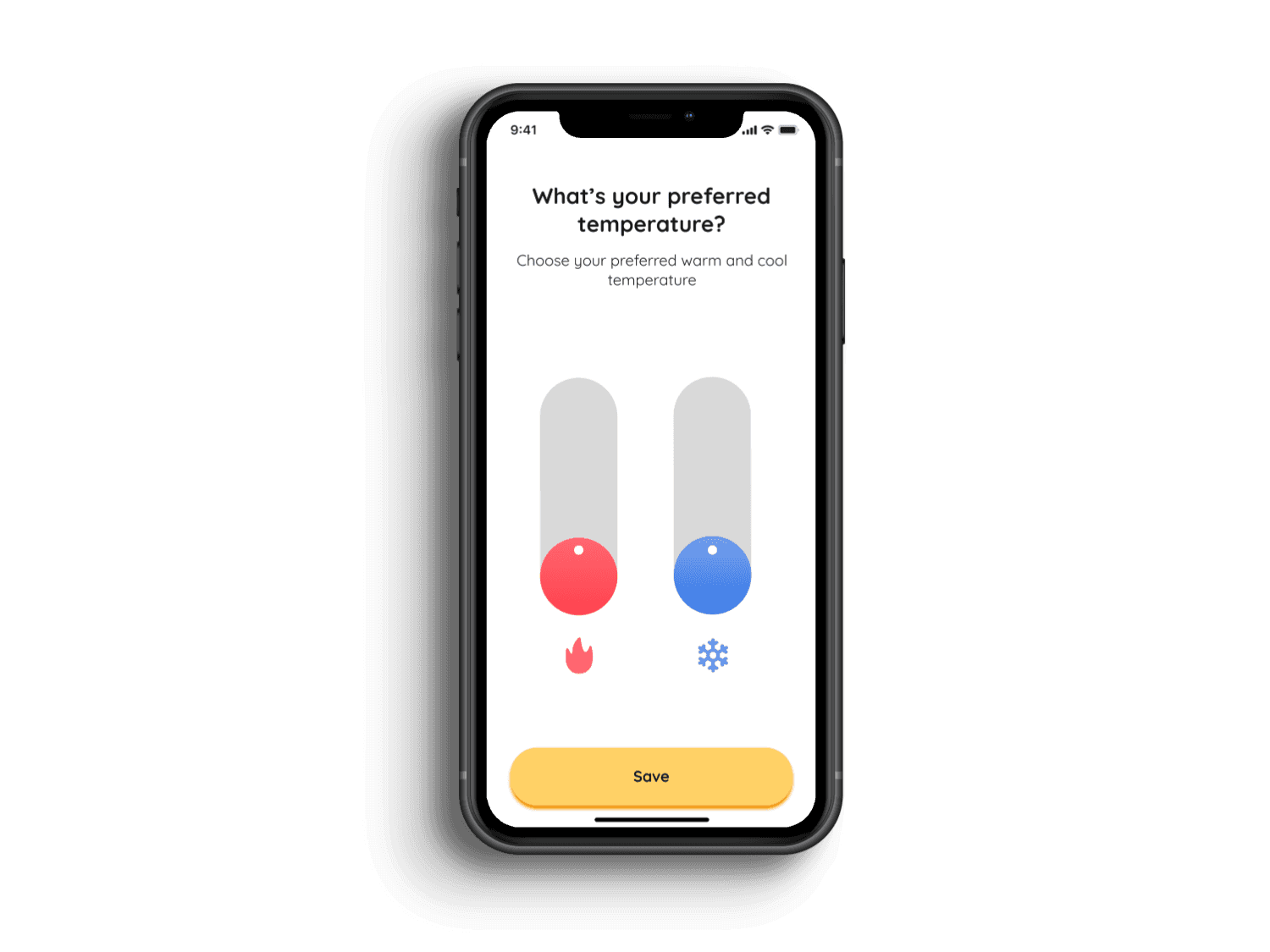
Comfort Zones
Define a shared temperature range to support different comfort needs within the same space. This allows flexibility without relying on a single fixed setting.
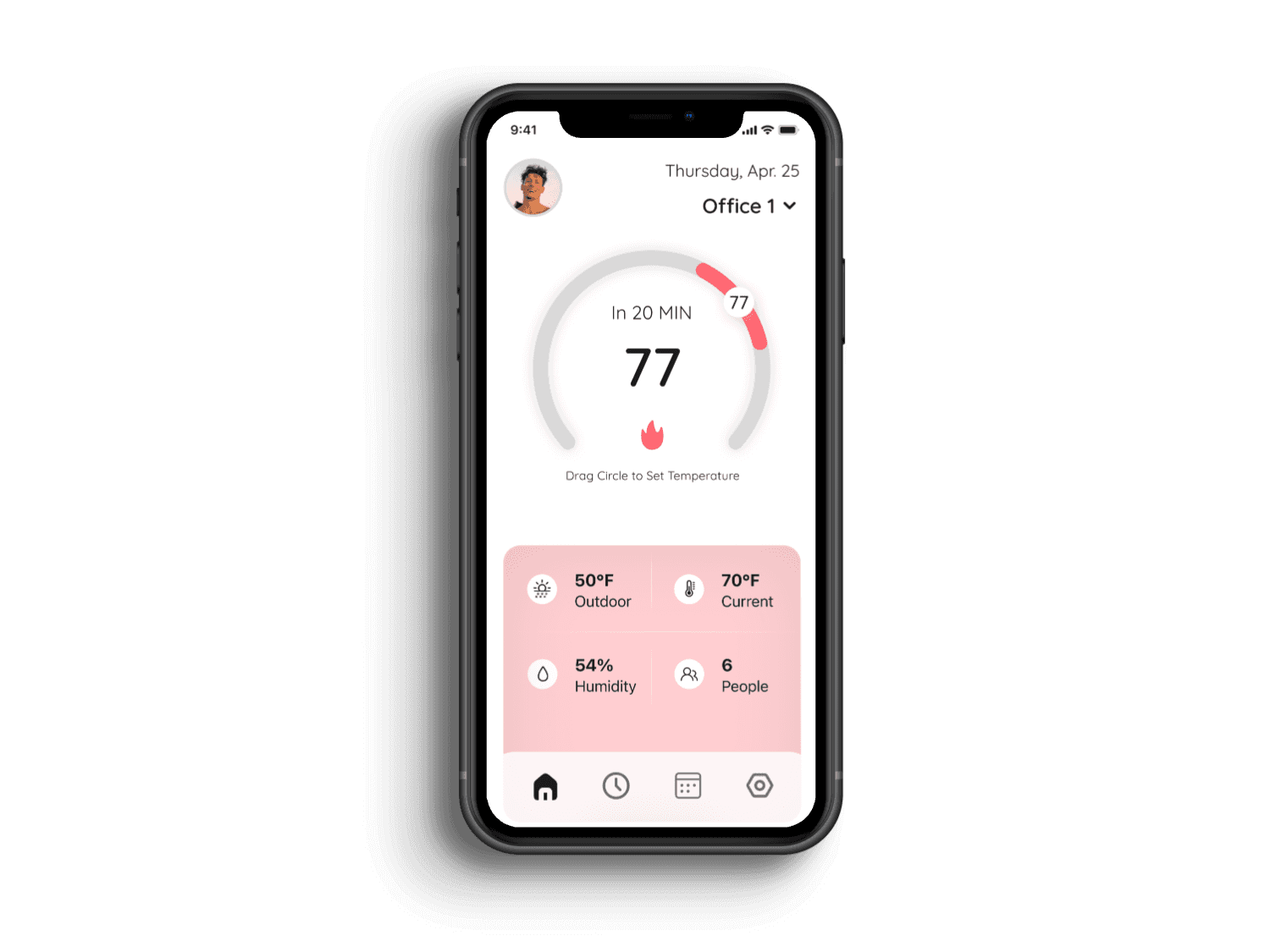
-Temperature Controls
Users can adjust the temperature within the set range using a simple slider. The interaction is designed to be quick, clear, and easy to use.
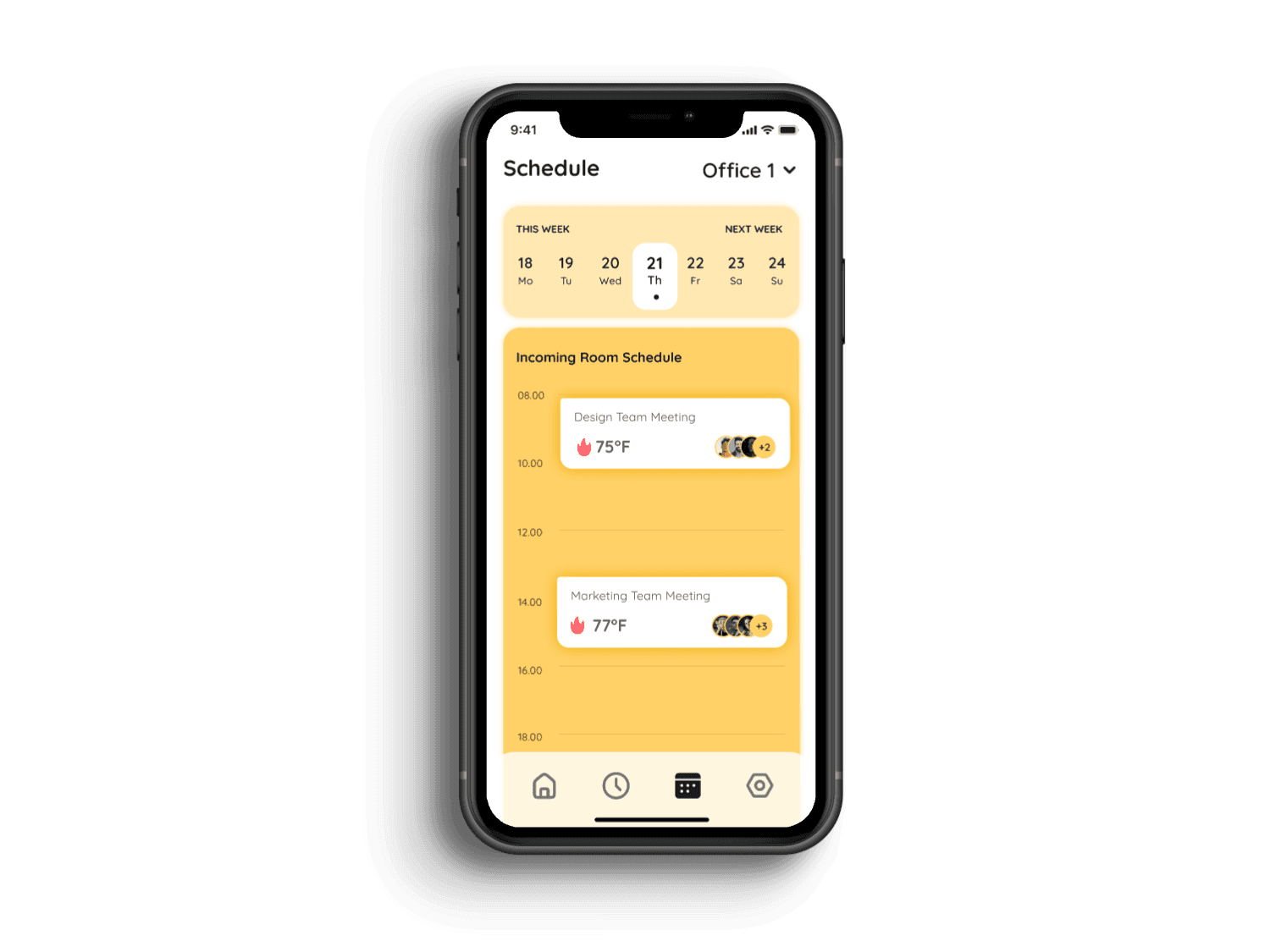
Schedule Overview
Users can view room usage, availability, and who is in each space throughout the day. This helps provide context for how spaces are being used and supports better decision-making.
What I Learned
Designing for groups is different than designing for individuals
This project pushed me to think beyond single-user flows and consider how systems balance multiple needs, not just optimize for one.
Simplicity is a decision, not a default
Reducing the experience to a single input required intentional choices about what to remove, not just what to add.
Transparency builds trust
Explaining system decisions in plain language made users more confident in the outcome, even when it wasn’t exactly what they wanted.
← Back